
Cloud Nine - The Wide Iron - Hair Straightner
Log in for pricing
In Stock
Product Code: 154432
Barcode8809254804479
Category
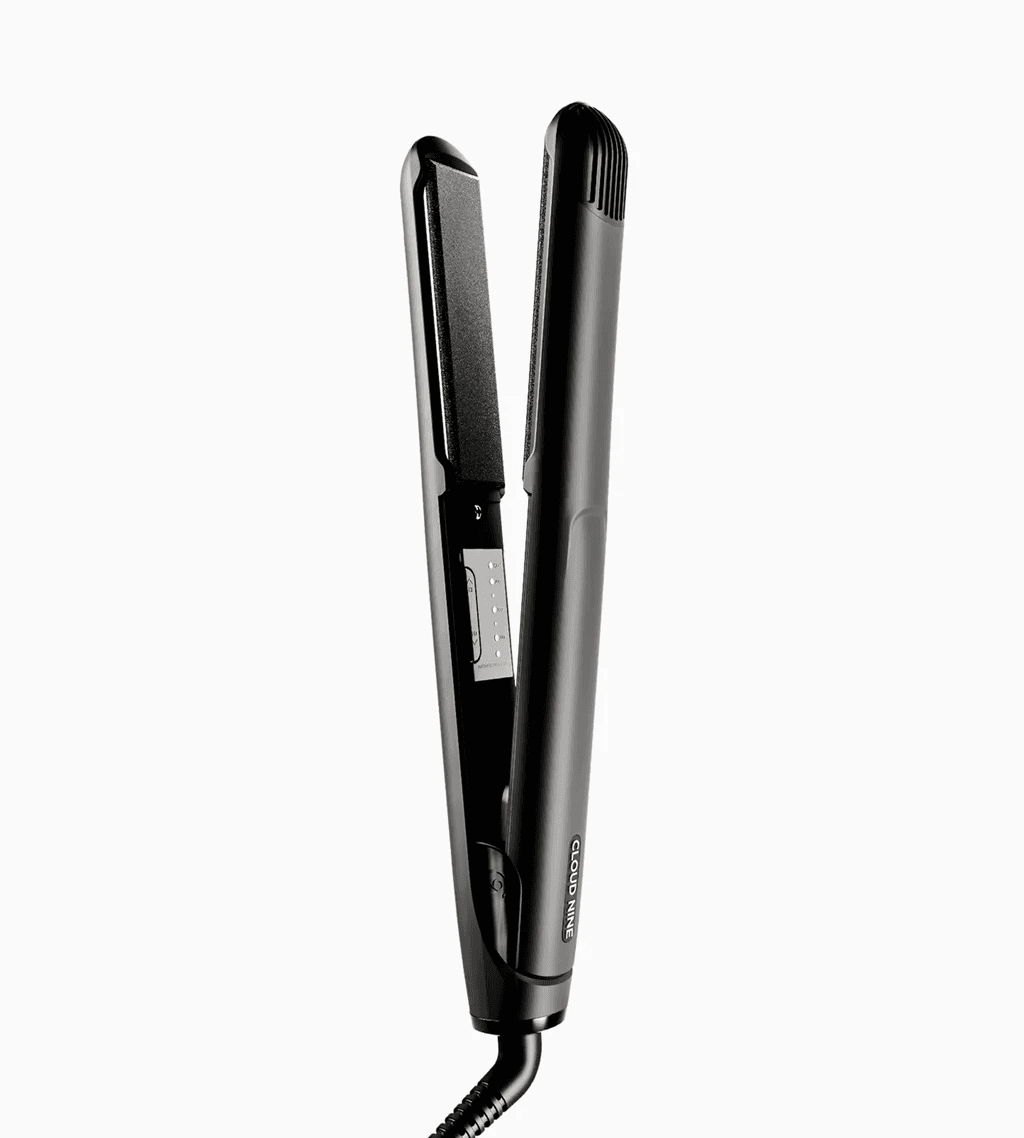
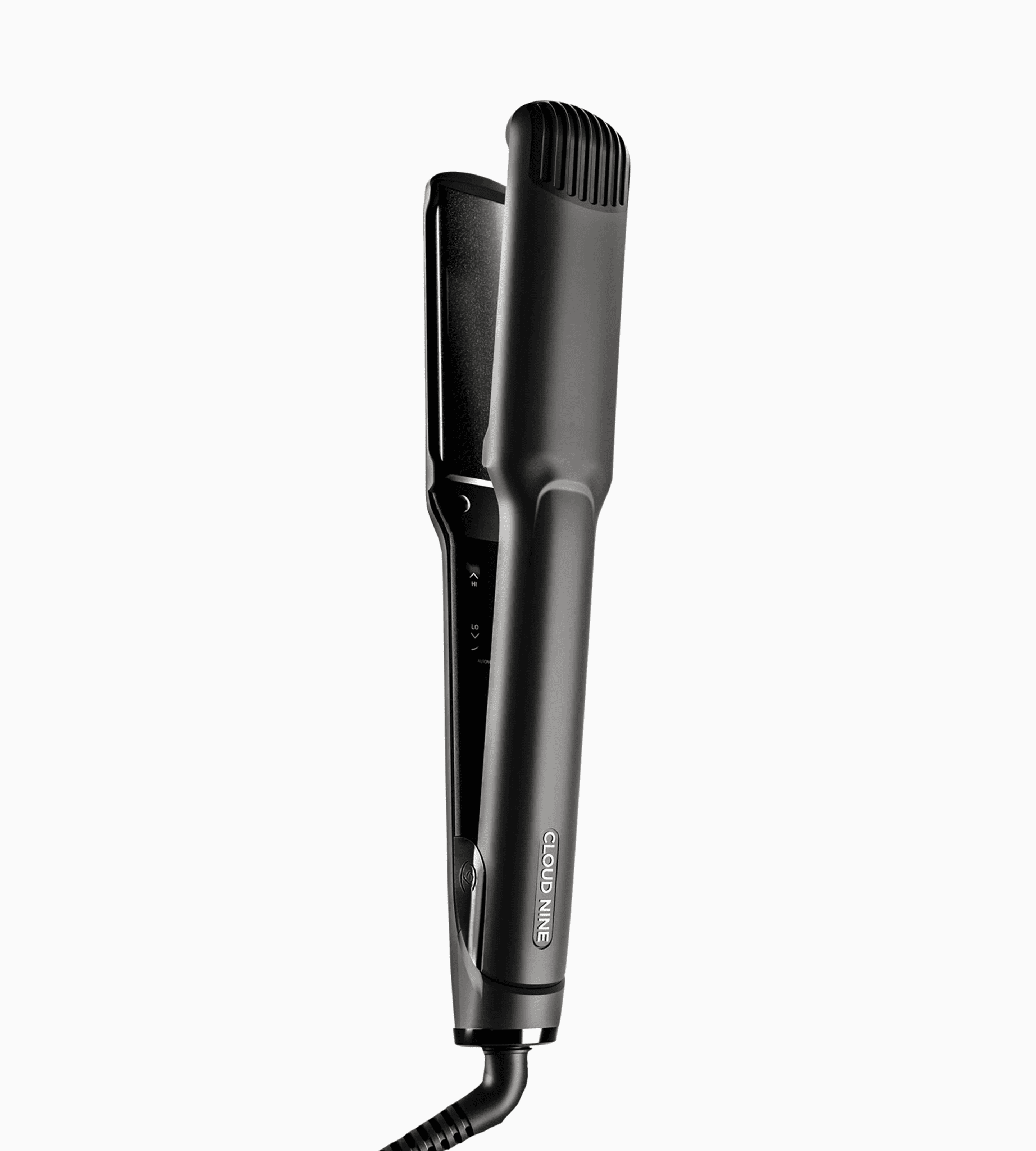
Cloud Nine The Wide Iron (unboxed) is a professional wide-plate straightener designed for longer, thicker hair, helping you style larger sections efficiently while maintaining smooth, glossy results.
Its 11 temperature settings provide precise control for different hair types, while Revive Mode® helps refresh and revive the hair between styles. Sericite®-infused ceramic plates cushion the hair and distribute heat evenly, supporting a smoother finish with less unnecessary heat exposure.
Professional Use Only – Unboxed product supplied without retail packaging.